
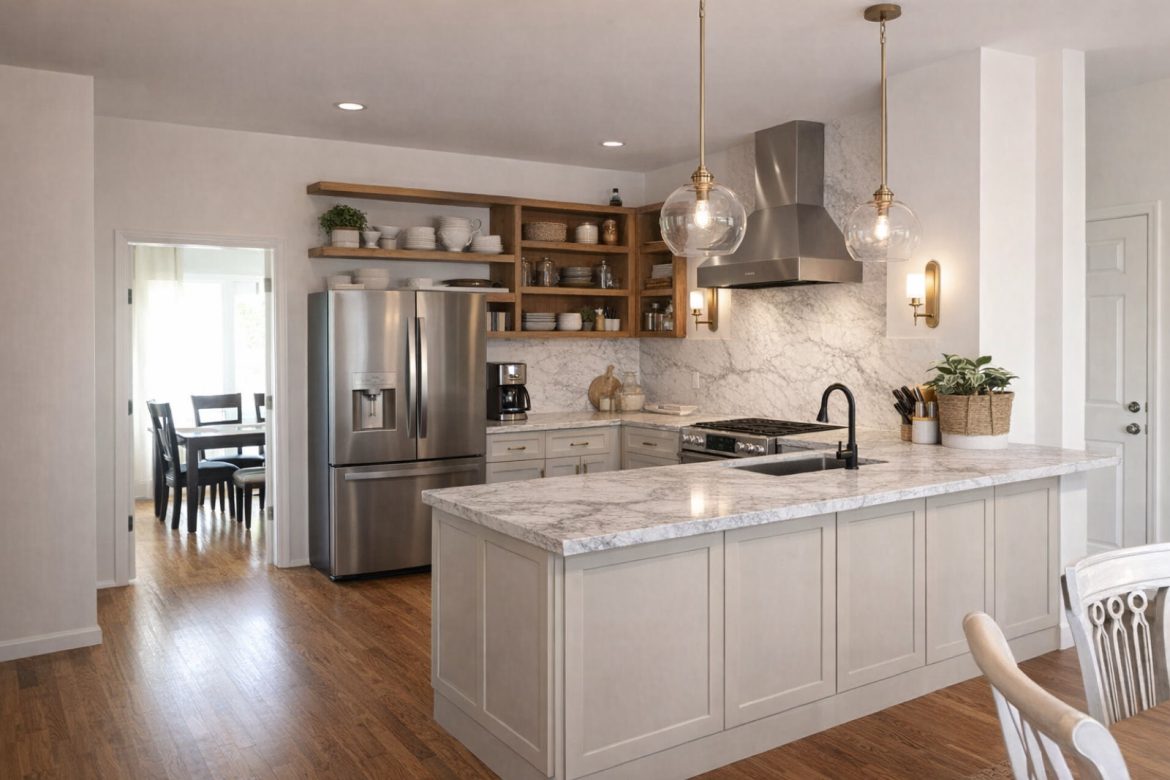
Stop Guessing. Snap a Photo. Get a Real Number.
Skip the calculator. The RemodelerIQ Visualizer estimates your kitchen, bathroom, or basement in seconds—using real 2026 costs for your region.
Estimate a Remodel From a Single Photo
Meet the free RemodelerIQ Visualizer — point your camera at a room, get a real 2026 cost range.
You can now get a real 2026 remodel cost estimate by taking one photo. Snap your kitchen, bathroom, or basement, and the free RemodelerIQ Visualizer reads the space, identifies the project, and returns a budget-to-premium price range backed by Zonda, BLS, and Houzz data — no signup, no waiting on three contractors.
The problem with “how much will this cost?”
Most homeowners start a remodel with a question no one will answer honestly: what should this actually cost? Search it, and you get either a national average so wide it’s useless (“$15,000–$80,000”) or a static calculator that asks for square footage you haven’t measured and finish levels you can’t name yet.
Meanwhile the price of the work keeps moving. Construction input costs have stayed well above pre-2021 levels, and skilled-trade labor — the single biggest swing factor in a remodel bid — varies dramatically from metro to metro. A number that isn’t tied to your project type and your region isn’t an estimate. It’s a guess with a dollar sign.
40%+
How much skilled-trade labor costs can swing between U.S. metros
Source: BLS Occupational Employment & Wage Statistics (2026)
Snap a photo. Get a real number.
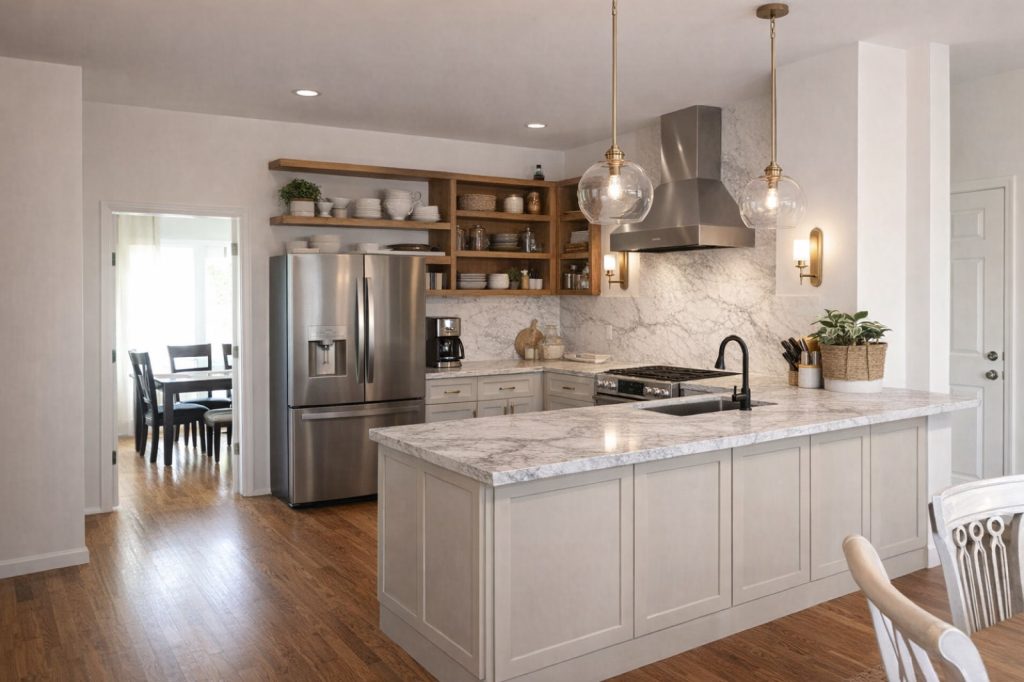
No square footage to measure. No finish levels to guess. The Visualizer reads the room and does the rest.
1. Snap or upload
A photo of the room — your current kitchen, the bathroom you’re gutting, the unfinished basement.
2. It reads the space
The tool identifies the project type, the scope, and finish signals — cabinetry, counters, wet areas, flooring — then localizes by ZIP.
3. Get a real range
Budget, standard, and premium, with the regional benchmark and the data sources shown right on the result.
What’s behind the number
Behind that estimate is the same engine that powers RemodelerIQ’s cost research: a blended model that weights Zonda Cost vs. Value 2026 benchmarks, Houzz project data, and BLS labor wages rather than leaning on any single source. It anchors to a regional benchmark, then adjusts for the size and finish level the photo implies.
$80,000+
Typical mid-range kitchen remodel in the South Atlantic region
Source: Zonda Cost vs. Value (2026)
A photo carries more signal about a project’s real scope than a drop-down menu ever will.
That’s the reason the tool exists. As Gustavo, who built RemodelerIQ, puts it: “I kept watching people get quotes with no baseline to judge them against. If you don’t know what the work should cost, every bid sounds reasonable. This gives you the baseline first.”
Photo estimate vs. typed calculator
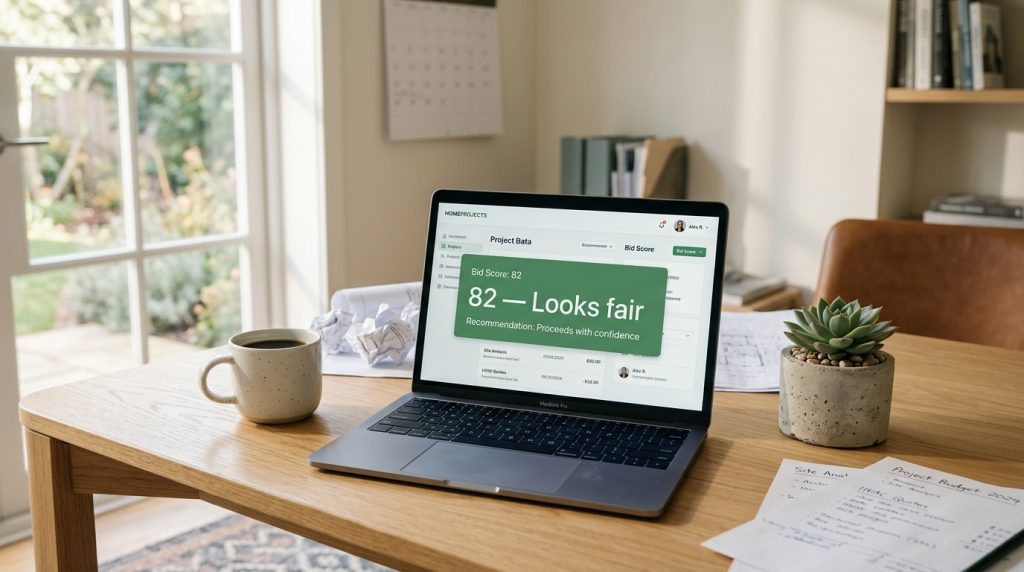
Estimate first. Then verify the bid.
An estimate isn’t the finish line — it’s the baseline you measure a real contractor quote against.
That’s why the Visualizer’s result hands directly off to the free RemodelerIQ bid analyzer. Once a contractor’s quote lands in your inbox, you run it through the analyzer to check the price against regional benchmarks, catch missing line items, and flag contract risks like oversized deposits or open-ended allowances.
Frequently Asked Questions
Is the Visualizer free?
Yes — it’s free with no signup. You can estimate as many projects as you want.
Which projects does it support?
Kitchens, bathrooms, and basements today, with more project types rolling out. It reads the photo to identify the project automatically.
How accurate is a photo-based estimate?
It produces a budget-to-premium range, not a single fixed price, backed by 2026 Zonda, Houzz, and BLS data — accurate enough to judge a contractor’s quote against, which is the point.
Do you store my photo?
The photo is analyzed to generate your estimate and is not stored.
What do I do with the estimate?
Use it as your baseline, then run any real contractor bid through the RemodelerIQ bid analyzer to see whether the price and scope hold up.





Leave a Reply